
Evidence files named, tagged and ready for review
For quality units and unit coordinators whose evidence is spread across email attachments, WhatsApp groups, phone galleries and personal drives. We give every unit one place to send files, then the organizer reads, names, tags and files each one against your standards and tells you what is still missing.
- Timeline
- 2 to 3 weeks to first version
- Best for
- Quality units and colleges collecting evidence from many units for accreditation
- Usually starts with
- One evidence inbox and naming convention for the current academic term
Agent flow
What does an AI evidence organizer do?
It collects the files that prove an activity happened, such as activity reports, attendance sheets, signed approvals, photographs and survey results, and organizes them for you. Each file is read, renamed to your naming convention, tagged by unit, term, activity and standard, and filed in your SharePoint or Google Drive. It checks every activity for missing items and keeps an index that reviewers can search.
- Reads scanned attendance sheets and forms in Arabic and English
- Names and files every document by one consistent convention
- Checks each activity for a report, attendance, photos and signatures
- Uncertain tags go to a staff member to confirm, and nothing is deleted
Typical Evidence organizer we ship
Each one scoped and quoted at a fixed price after a free review of your process.
One inbox for every unit
Units send evidence to a single email address, Teams channel, upload form or WhatsApp Business number, whichever they already use. Files stop sitting in personal inboxes and phone galleries until someone asks for them a year later.
Consistent naming and tagging
A file called IMG_4021 or final v3 gets a name that says what it is, built from unit, activity, date and document type. Tags for academic year, term, unit and activity come from the file's content and the message it arrived with.
Filed against your standards
Each file is linked to the standards and criteria it supports, using the mapping your quality team approves. One workshop attendance sheet can support several criteria without being copied into several folders.
Completeness checks per activity
For every activity, the organizer checks your required set, for example a report, attendance sheet, photos, signed approval and participant survey. Coordinators get a short list of what is missing while the activity is still fresh in everyone's mind.
Signature tracking
Activity reports that need a unit head's or dean's signature are routed through Docusign or flagged for a signature on paper. The signed copy then replaces the draft, and unsigned items stay on a visible list until they are done.
Searchable evidence index
A live index lists every item with its tags, date and link. Staff can ask in plain language for things like all community service evidence from last year, and reviewers can be given read-only access to the exact folders they need.
What changes for your team
Evidence for one workshop is spread across three inboxes and a WhatsApp group.
All files for the workshop sit together, named, tagged and linked to its standards.
Staff spend days before a visit renaming files and building evidence lists by hand.
The evidence index updates as files arrive and can be exported for the self-study at any time.
Missing signatures and attendance sheets are found months after the activity.
Gaps are flagged within a day of filing, while the activity's organizer can still fix them.
Four steps, one fixed price
- 01
Agree the evidence rules
We work with your quality unit on the naming convention, folder structure, required items per activity type and the standards each activity usually supports.
- 02
Set up intake and storage
We connect the inbox, Teams channel or upload form to your SharePoint or Google Drive, with permissions that match who should see which files.
- 03
Test on your real files
The reading and tagging steps are tested on a sample of your actual evidence, in Arabic and English, and adjusted until your staff agree with how files are named and tagged.
- 04
Clear the backlog and hand over
As an optional stage, we run the organizer over past terms' files. Your team then receives the rules, workflows, accounts and a written guide for maintaining them.
Why accreditation evidence goes missing
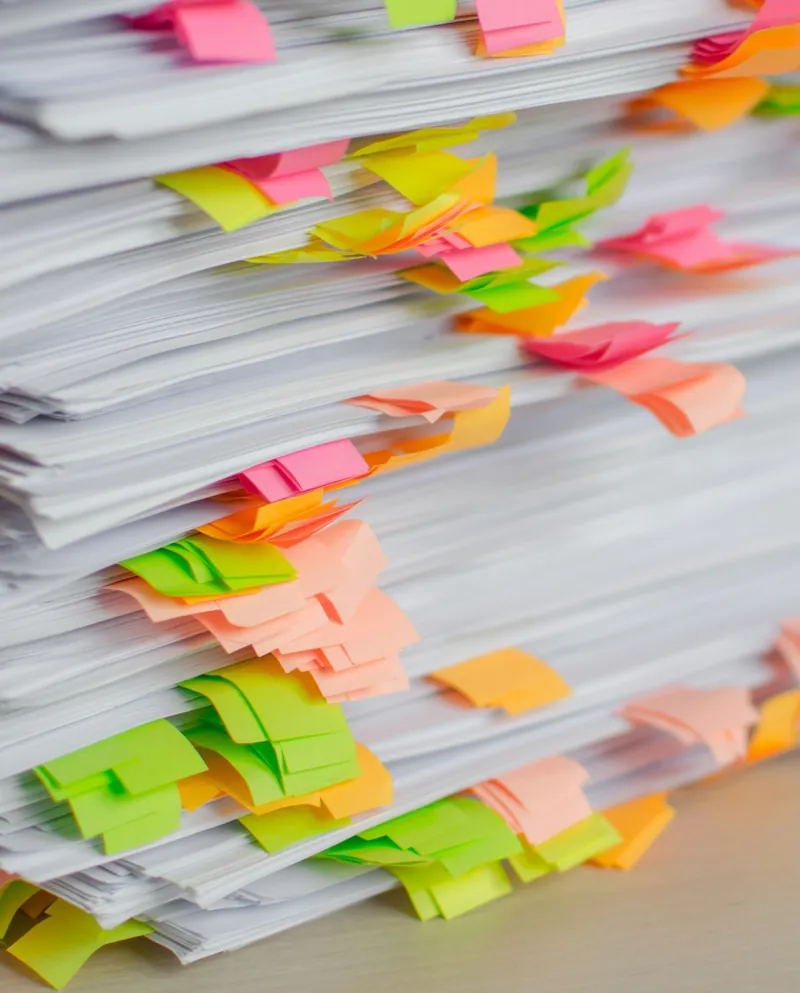
Evidence is created by many people and owned by none of them. A faculty development unit runs a workshop, a coordinator takes photos on a phone, the attendance sheet goes into a drawer, and the activity report is emailed to the unit head as an attachment. Every piece exists, but nobody files them together. Two years later a reviewer asks for proof, and the quality unit spends an afternoon searching old emails and contacting people who have since changed roles.
Asking every unit to follow a filing procedure rarely fixes this, because filing is extra work done after the activity is over and everyone has moved on. The organizer removes most of that work. Staff send files the way they already share them, and the system handles the naming, tagging, filing and checking. The quality unit's role shifts from searching for evidence to reviewing the few items the organizer could not classify with confidence.
How files are named, tagged and filed against standards
Each file is read when it arrives. Printed text in Arabic and English is extracted from scans and PDFs, photos are described and dated from their metadata, and the message that came with the file adds context such as the activity name. The organizer then applies your naming convention, for example unit code, activity, date and document type, and adds tags for academic year, term, unit and activity. Anything it cannot place with confidence goes to a review queue rather than a guessed folder.
Filing against standards follows a mapping your quality team approves, not one the AI invents. If your institution works with NCAAA standards, SACSCOC principles, NAAC criteria or an ABET program's criteria, those structures become tags, and a single file can carry several of them. The folder structure in SharePoint or Google Drive stays simple, by year and unit, while the index presents the same files grouped by standard for anyone preparing a self-study.
Photos, signatures and personal data in evidence files
Evidence files often contain personal data: student names on attendance sheets, faces in event photos, staff signatures and sometimes ID numbers. We design the organizer around the rules that apply to you, such as FERPA for US student records, GDPR in the UK and EU, the Saudi and UAE PDPL laws and India's DPDP Act. Files stay in your own Microsoft 365 or Google Workspace tenant, folders keep your existing permissions, and AI processing runs under business terms that do not use your files for model training.
Photos that show students can be flagged so a staff member confirms consent before they appear in a public report. Attendance sheets with ID numbers can be stored in restricted folders while a redacted copy goes into the general evidence set. The organizer never deletes an original: duplicates are marked, not removed, and retention periods follow the schedule your institution sets. Your quality and data protection staff make these choices during setup, and the organizer then applies them the same way to every file.
AI Evidence and Document Organizer questions
Can it read scanned attendance sheets and handwritten forms?
Printed text in Arabic and English is usually read well from clear scans and phone photos. Handwriting is less predictable, especially names, so handwritten fields are extracted where possible and marked for a person to check. Counts taken from attendance sheets are treated as a draft until a staff member confirms them, so no unchecked number reaches a report.
What happens to photos of students and other personal data?
Personal data stays in your own storage, under the permissions you already use. During setup your team decides which file types are restricted, whether photos showing students need a consent check before public use, and how long each kind of evidence is kept. The setup follows FERPA, GDPR, the Saudi or UAE PDPL or India's DPDP Act, depending on where you operate.
Do we need to move our files to a new system?
No. The organizer files everything in the SharePoint, OneDrive or Google Drive your institution already uses, so staff keep the tools they know and IT keeps control of access. The evidence index, usually a SharePoint list or an Airtable base, sits on top of your existing storage rather than replacing it.
Can one file count as evidence for more than one standard?
Yes. Files are tagged rather than copied, so a single workshop report can support a faculty development standard and a community engagement criterion at the same time. The index shows it under both, and when the file is replaced by a signed version, every link points to the new copy.
How much does it cost, and can you organize our older files too?
After a free 30-minute audit, we send a fixed-price quote in writing before any work starts, usually with setup for new files as the first stage and cleanup of past terms as an optional second stage. There is no hourly billing. You approve the naming and tagging rules on a sample before the organizer runs over thousands of older files.
Often built together
 AI Quality Assurance and AccreditationKPIs, improvement plans and accreditation evidence tracked all year, not rebuilt before each review.
 AI Institutional Reporting AssistantWeekly, monthly and annual reports drafted from unit data, with the evidence already attached.
 AI Faculty Training ManagementRun every faculty workshop from invitation to certificate without the spreadsheet chase.
Get a fixed quote for your Evidence organizer
Send two lines about the process you want to hand over. We reply within one business day with what we would build, the tools involved and what it would take.
- 30-minute call, no slides, no pressure
- One fixed price before any work starts
- You own every workflow, account and line of code